
Remote Support & Diagnostics
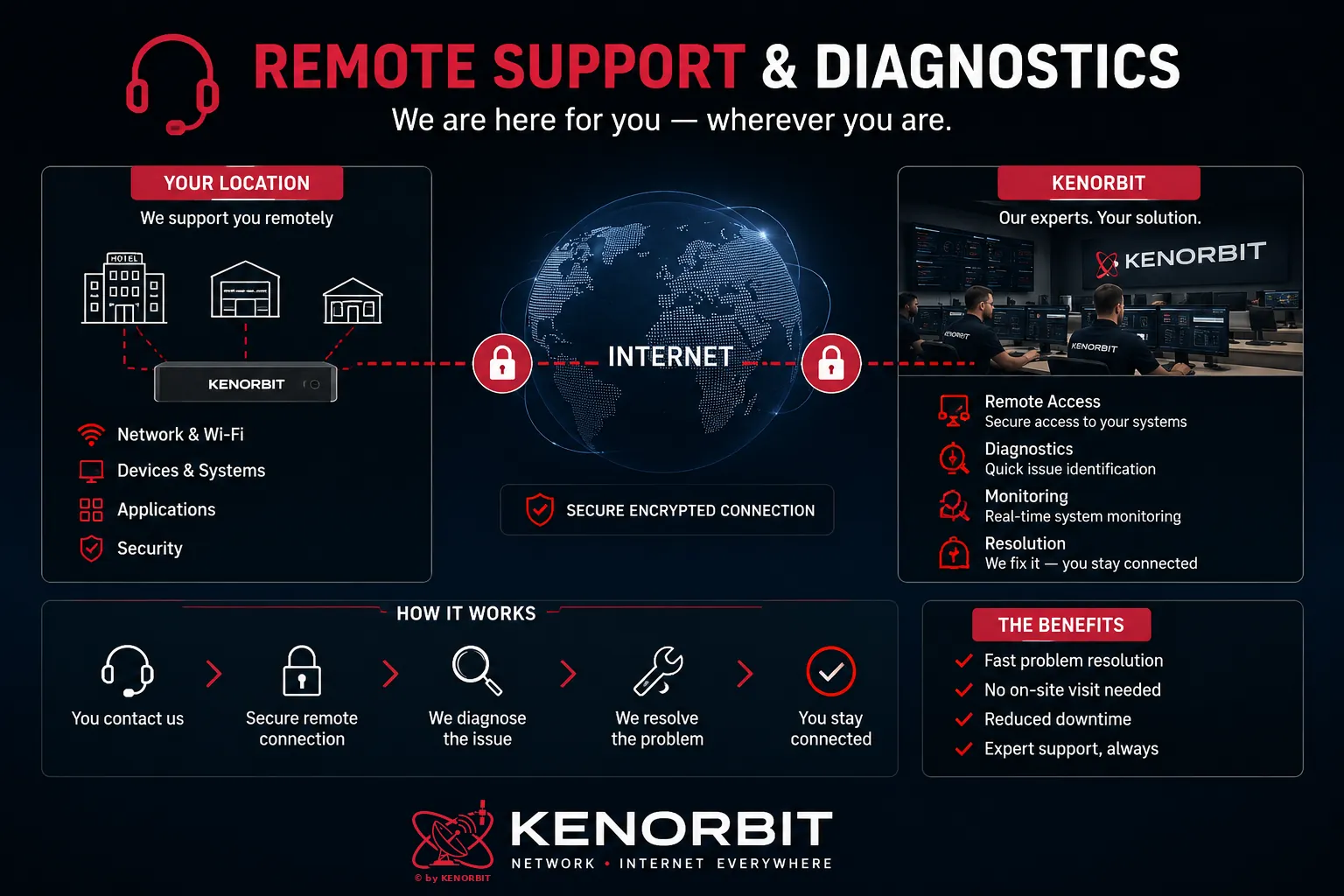
Remote support and diagnostics for network issues, system checks, secure remote access and fast technical resolution.
How it works, step by step
- Support requestA customer reports a network, system, application or connectivity issue that can be checked without an immediate on-site visit.
- Secure accessKENORBIT establishes a protected remote support path so the affected environment can be reviewed safely.
- DiagnosticsThe issue is examined remotely by checking system status, network behaviour, access paths and visible service conditions.
- Remote resolutionWhere possible, the problem is corrected remotely through configuration changes, service restoration or guided action.
- Stay connectedThe customer remains supported, downtime is reduced and the affected systems continue operating with less interruption.
Related solutions
- On-Site Technical SupportOn-site technical support for network issues, system failures, connectivity problems and business infrastructure service calls.
- Business Continuity SupportBusiness continuity support, incident response, recovery operations and continuity protection for critical business environments.
- Emergency Technical ResponseEmergency technical response for network outages, system failures, connectivity issues and critical business disruptions.